
 Media Stream Solutions
 Gaming Solutions
 E-Commerce Solutions
 VPN Server Solutions
 GPU Server Solutions
 Financial Solutions
 Security Solutions
Quick Summary
- To replicate natural conversation flow, a voice AI agent must hear, think, and speak within a strict 500-800 millisecond window.
- This requires a highly optimized, cascaded pipeline combining WebRTC, Voice Activity Detection, Whisper, an LLM, and Text-to-Speech.
- Running this stack on dedicated bare-metal hardware eliminates cloud scheduling delays and latency spikes, enabling true real-time performance.
Have you ever spoken to an AI voice assistant that takes three or four seconds to reply? The awkward pause makes the entire interaction feel unnatural. In a normal human conversation, the gap between one person stopping and the other starting is tiny.
For a machine to replicate this natural flow, a real-time voice AI agent has to hear, think, and speak inside that exact same pause. Hitting this target requires a highly optimized chain of technologies. But software alone isn't enough. Where you run this stack matters just as much. Here is a breakdown of how real-time voice AI actually works under the hood, and why many engineering teams are moving these pipelines onto dedicated hardware.
The Latency Budget: What Makes AI Feel "Real-Time"?
Speed is everything in voice AI. Industry benchmarks and infrastructure guides suggest a strict "latency budget": your system has about 500 to 800 milliseconds from the end of the caller's speech to the first audio of the reply.
Willingness to keep talking starts to drop rapidly after about 600 ms. Once delays push past the one-second mark, callers start talking over the AI, assuming it didn't hear them. Hitting a 500ms target means every component must finish its job in fractions of a second:
- Inbound Network: 10 to 30 ms
- Speech-to-Text (Whisper): 30 to 80 ms
- LLM Time to First Token: 150 to 300 ms
- Text-to-Speech (TTS): 50 to 100 ms
- Outbound Network: 10 to 30 ms
The Cascaded Pipeline: How the AI Actually Thinks
Rather than using one giant end-to-end model, the most practical architecture for self-hosted real-time voice agents is a cascaded streaming pipeline. This means breaking the process down into distinct, specialized stages.
1. WebRTC (The Transport Layer)
Callers need a way to send their microphone audio to your server without buffering. WebRTC is the standard here. It uses the Opus codec, which is specifically built for interactive speech. It streams the audio instantly, just like a Zoom or WhatsApp call, often managed by a self-hosted media server like LiveKit.
2. Voice Activity Detection & Whisper (The Ears)
Before the AI can answer, it needs to know you have stopped talking. A Voice Activity Detector (VAD) monitors the audio stream for silence. Once it decides your turn is over, it hands the audio segment to a speech-to-text model. Optimized engines like faster-whisper transcribe the spoken words into text in milliseconds.
3. The LLM (The Brain)
The transcribed text goes to an LLM (like Llama 3). Because the LLM is usually the biggest bottleneck in the pipeline, engineers don't wait for the entire answer to generate. Instead, they measure "Time to First Token" (TTFT). The goal is to generate the very first word as quickly as possible.
4. Text-to-Speech (The Voice)
As soon as the LLM finishes its first complete sentence, that specific sentence is immediately sent to the Text-to-Speech (TTS) engine. The TTS starts speaking the first sentence out loud to the caller while the LLM is still busy thinking about the second sentence in the background.
Why Run Real-Time Voice AI on Dedicated Hardware?
Running a pipeline this sensitive on shared cloud platforms can be risky. If the platform's scheduling shifts, your latency spikes, and the conversation breaks. Running real-time voice AI on dedicated hardware—your own GPU server—solves several major problems.
- Predictable, Ultra-Low Latency: When you control the bare-metal server, your processes don't wait in line. Services stay on the same machine, meaning the network hops between your speech, LLM, and TTS models take just a fraction of a millisecond.
- Direct Network Access: WebRTC requires open UDP ports to function properly. A dedicated server gives you a direct public IP address, allowing you to bypass complex layers of network address translation (NAT) and load balancers that add delay.
- Always-Loaded Models: Large AI models take minutes to load into GPU memory. On a dedicated server, weights load once and remain resident in the VRAM. There are no "cold starts" when a user suddenly initiates a call.
- Data Privacy and Control: Self-hosting keeps sensitive audio recordings, transcripts, and proprietary business logic entirely inside your own environment.
When Dedicated Hardware is the Wrong Choice
While the performance benefits are massive, self-hosted voice AI isn't for every project.
If your call volume is highly unpredictable—meaning you get zero calls one hour and a thousand the next—a fixed server will either sit idle or become overwhelmed. In those cases, elastic cloud scaling makes more sense. Furthermore, if you have a global user base, a single dedicated server in one location will add unavoidable physical distance latency for callers on the other side of the world.
Building a voice agent is no longer just about generating smart answers. It is about orchestrating audio, models, and network infrastructure to react at human speed. By pairing a cascaded pipeline with the raw, uninterrupted power of dedicated hardware, developers can finally build AI conversations that actually feel real.
Explore Dedicated ServersFrequently Asked Questions
-
What is the best architecture for real-time voice AI?
-
Can Whisper transcribe in real time?
-
How fast does a voice agent need to respond?
-
Does self-hosting a voice AI make it HIPAA or GDPR compliant?
Recent Topics for you
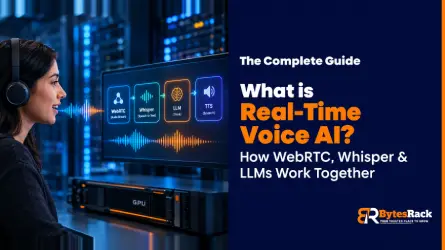
What is Real-Time Voice AI? How WebRTC, Whisper & LLMs Work Together
Discover how real-time voice AI works using WebRTC, Whisper, and LLMs, and why dedicated hardware is essential for low-latency conversational agents.
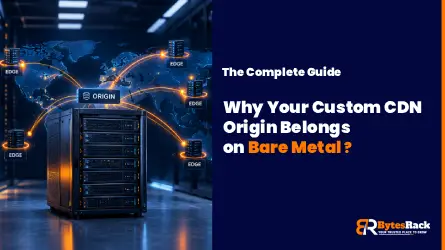
Why Your Custom CDN Origin Belongs on Bare Metal (And How to Escape Cloud Egress Fees)
Discover why moving your custom CDN origin to bare metal eliminates cloud egress fees, boosts NVMe I/O performance, and prevents unpredictable billing.

GPU vs CPU Dedicated Servers for AI Inference: Which Do You Actually Need?
Discover whether your AI inference workloads need a GPU or CPU dedicated server. Compare VRAM, TTFT, costs, and performance for 8B to 70B+ LLMs.
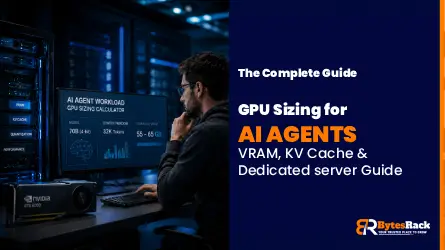
The GPU Sizing Guide for AI Agent Workloads on Dedicated Servers
Learn how to calculate exact GPU VRAM requirements for AI agents. Understand quantization, KV cache sizing, and choose the right dedicated server.

Why Los Angeles is the Ultimate Server Location for Cross-Pacific Gaming
Discover why Los Angeles dedicated servers provide unmatched transpacific low latency for gaming. Bridge US and APAC players with Tier-1 routing.

The London Advantage: Why UK Dedicated Servers are Vital
Discover why London dedicated servers are essential for global finance and tech. Explore ultra-low latency, UK GDPR compliance, and Tier-1 network benefits.
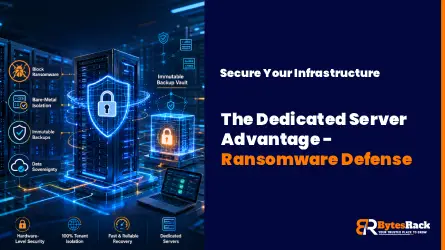
Ransomware Defense in 2026
Prevent ransomware in 2026 with isolated dedicated servers. Learn why bare-metal and immutable backups beat cloud storage for enterprise data security.

The Rise of Geo-Targeted Dedicated Servers for IoT
Explore why global enterprises are shifting to geo-targeted dedicated servers to eliminate latency, ensure data sovereignty, and power real-time industrial processing

Why Massive E-Commerce Stores Need Dedicated Servers
Find out why massive e-commerce stores need dedicated servers to scale. BytesRack explains how bare-metal stops downtime, cuts cloud fees, and boosts speed.
Why Low Latency Dedicated Servers Are Faster Than Your Workstation
Discover why professional studios are moving 4K/8K video editing to low-latency dedicated servers in 2026 to bypass hardware bottlenecks and thermal throttling.

The Rise of AI-Powered DDoS in 2026
AI-powered DDoS attacks are evolving faster than legacy firewalls can adapt. Discover why standard hosting is failing in 2026 and how enterprise-grade, unmetered DDoS dedicated servers can keep your infrastructure online.

Why Your Server Location Matters: The Singapore Advantage for APAC Speed and SEO
Need to serve the APAC region? A Singapore server location provides the lowest latency. Learn how proximity boosts your site speed, Core Web Vitals, and SEO rankings.

Why MCP Servers Belong on Dedicated Hardware?
Discover why Model Context Protocol (MCP) nodes require dedicated hardware to avoid the 2-second Cold Start bottleneck of serverless functions.

Docmost Instead of Notion:How to Cut Your Costs by 90% in 2026
Stop renting your data. Discover why companies switch to self-hosted Docmost and Outline Wiki on BytesRack dedicated servers to save 90% and regain privacy..
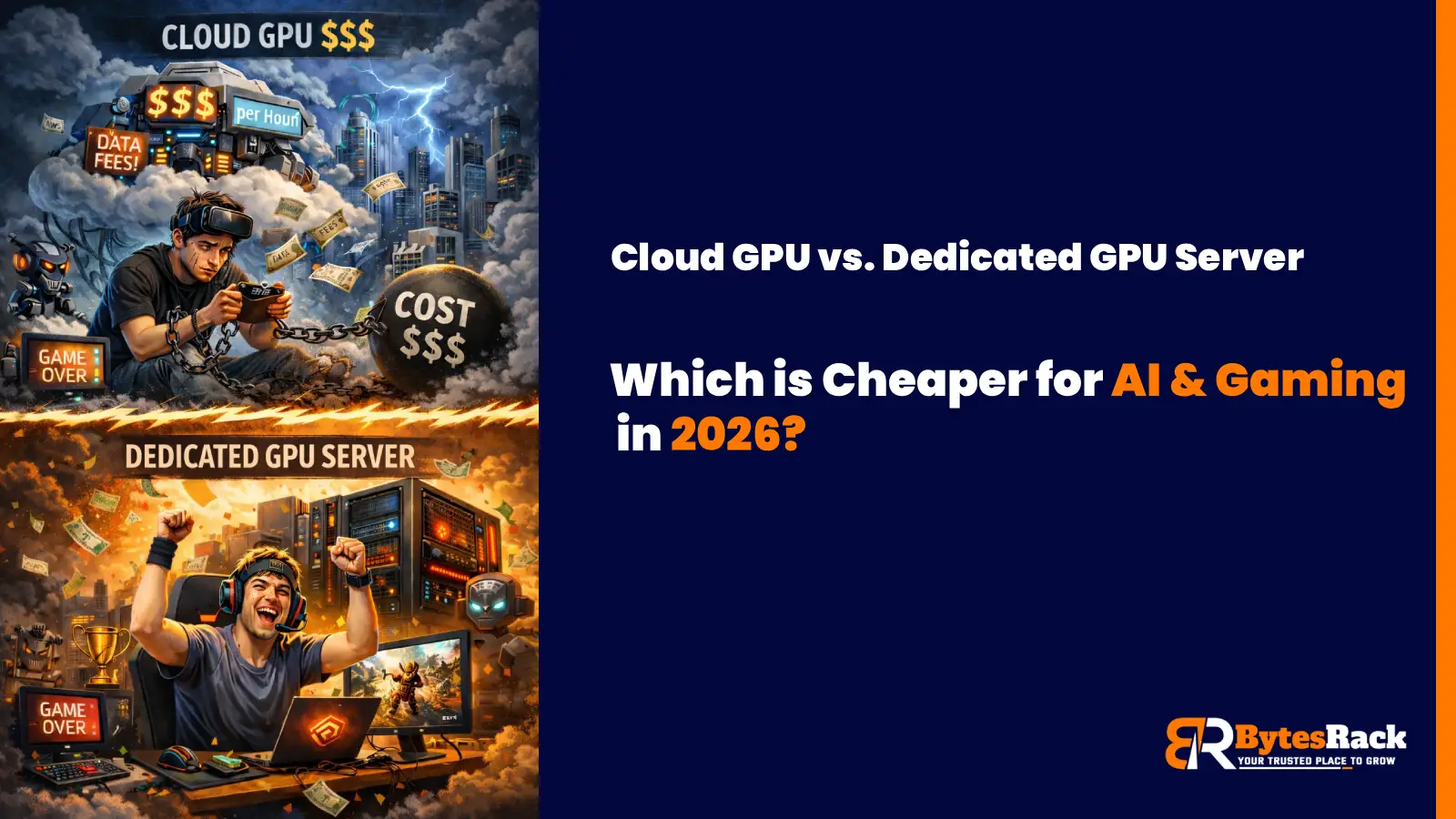
Cloud GPU vs. Dedicated GPU Server
In 2026, the smart move for AI startups and high-performance gaming communities isn't the Cloud; it's Dedicated GPU Servers.

Power Your Business with a Toronto Dedicated Server
Learn how Toronto's unique submarine cable gives our dedicated servers a speed advantage for serving Canada and the US.
The Miami Advantage:Why Your Dedicated Server Belongs at the Gateway to the Americas
Discover why a Miami dedicated server is your secret weapon. Get unrivaled low latency to Latin America & the US. Unlock strategic growth today.

Why Your Business Needs a Tokyo Dedicated Server from BytesRack
This guide will explore why Tokyo is the undisputed strategic hub for APAC and how BytesRack's dedicated servers provide the power, performance, and reliability you need to dominate the market.
Gain the Ultimate Edge: The Power of a New York Dedicated Server
Discover why New York offers the ultimate hosting advantage. Unrivaled connectivity to US & European markets
Why Germany Is the Best Location for Your Next Dedicated Server?
Discover why Germany offers the best hosting. GDPR compliance, ultra-low latency via DE-CIX Frankfurt, and enterprise-grade reliability.

Which Web Hosting Control Panel Should You Use?cPanel or Plesk
In this blog, we’ll break down the differences between cPanel and Plesk, helping you decide which control panel suits your hosting environment and technical needs best.

How to Restore SQL Server Databases Using SSMS
Learn how to restore MSSQL databases using SQL Server Management Studio (SSMS) with expert tips and best practices.

The Ultimate Guide to Dedicated Servers for Streaming - 2025
Boost performance, reduce buffering, and scale with confidence. These expert tips help you optimize your dedicated streaming server for speed, security, and seamless viewer experience.