
 Media Stream Solutions
 Gaming Solutions
 E-Commerce Solutions
 VPN Server Solutions
 GPU Server Solutions
 Financial Solutions
 Security Solutions
If you are a professional content creator or filmmaker in 2026, you already know the struggle. You sit down at what you thought was the ultimate 4K video editing PC, drop a multi-cam 8K timeline into your software, and suddenly your system crawls to a halt. The fans sound like a jet engine, playback stutters, and exporting takes hours.
Many creators try to solve this by searching for online 4K video editing workarounds or constantly upgrading their local hardware. But the industry standard has shifted.
Recently, a client came to us at BytesRack with a specific challenge: "I'm a video editor. I need a server for remote video encoding and transcoding of my raw projects. I specifically need an Israel location because I require ultra-low latency for my local workstation connections."
This client's request highlights the exact reason why professional studios are abandoning the endless cycle of local hardware upgrades. In this guide, we will break down why executing remote 4K/8K video editing on dedicated servers is vastly superior to relying solely on your local desktop, and how low-latency infrastructure completely changes the game.
The Bottleneck of the Local Workstation
When building a computer for 4K video editing, most creators focus on the GPU and RAM. However, high-resolution workflows (especially RED RAW, ArriRAW, or heavy ProRes files) create massive bottlenecks in two specific areas that local machines struggle to overcome:
Sustained Thermal Throttling
Encoding a 2-hour 4K documentary pushes a CPU to 100% utilization. A standard desktop built for 4K video editing will eventually heat up and throttle its speed to prevent damage, drastically increasing your render times.
Storage I/O Limits
Uncompressed 4K video can move data at roughly 12 Gbps. If your local storage cannot sustain those read/write speeds, your powerful GPU sits idle waiting for data.
Competitor blogs often suggest simply buying more expensive local NAS (Network Attached Storage) systems. While a NAS is great for local backup, it doesn't solve the core issue of raw compute power needed for heavy rendering.
Enter the Dedicated Server: Unmatched Raw Power
When you rent a dedicated server for video editing, you are moving the heavy lifting off your local machine and onto enterprise-grade, bare-metal hardware. Unlike shared cloud computing, a dedicated server provides single-tenant performance.
Remote Encoding and Transcoding: For our client, the primary goal was offloading the most painful part of post-production: transcoding raw footage into editable proxies and encoding the final high-resolution master.
Multitasking Reclaimed: By pushing these tasks to a dedicated server, their local editing setup remains completely free. They can continue cutting the next scene or managing assets without their machine locking up during a massive render queue.
The Critical Factor: Why Low Latency and Location Matter
You might be wondering: If the server is doing the heavy lifting, why does the physical location matter? This is where our client's requirement for an Israel-based server becomes a masterclass in workflow optimization. The goal wasn't just to let a server render files in the background; the goal was remote desktop video editing.
To successfully edit video on a remote server as if you were sitting right in front of it, you need near-zero latency (ping):
High Latency (50ms+): Moving your mouse feels sluggish, audio falls out of sync, and the interface lags. It becomes impossible to make frame-accurate cuts.
Low Latency (<15ms): The connection is so fast that the human eye cannot perceive the delay.
Because our client's local workstation was in the Middle East, provisioning a dedicated server in our Israel data center allowed them to use remote access software (like Parsec or Jump Desktop) to take full control of the server's interface with zero perceived lag.
The Hardware Required to Fight Back
If you are ready to transition away from trying to edit 4K video online using limited SaaS tools, here is the professional pipeline configuration:
Storage & I/O
- ✅ NVMe SSDs in RAID
- ✅ Massive throughput for 8K RAW files
- ✅ Zero data bottlenecks
Connectivity
- ✅ 10Gbps Unmetered
- ✅ Fast terabyte-scale project transfers
- ✅ 250+ global edge locations
Don't Wait for the Render
Whether you are using Adobe Premiere Pro, DaVinci Resolve, or Avid Media Composer, modern video editing software natively supports remote and proxy workflows. Stop watching progress bars on your local machine and move your workflow to a dedicated environment.
At BytesRack, we provide bare-metal dedicated servers with predictable performance and pricing. No per-gigabyte "cloud" egress fees—just raw power where you need it.
Explore High-Performance Video Editing ServersRecent Topics for you
Why Your Custom CDN Origin Belongs on Bare Metal (And How to Escape Cloud Egress Fees)
Discover why moving your custom CDN origin to bare metal eliminates cloud egress fees, boosts NVMe I/O performance, and prevents unpredictable billing.

GPU vs CPU Dedicated Servers for AI Inference: Which Do You Actually Need?
Discover whether your AI inference workloads need a GPU or CPU dedicated server. Compare VRAM, TTFT, costs, and performance for 8B to 70B+ LLMs.

The GPU Sizing Guide for AI Agent Workloads on Dedicated Servers
Learn how to calculate exact GPU VRAM requirements for AI agents. Understand quantization, KV cache sizing, and choose the right dedicated server.

Why Los Angeles is the Ultimate Server Location for Cross-Pacific Gaming
Discover why Los Angeles dedicated servers provide unmatched transpacific low latency for gaming. Bridge US and APAC players with Tier-1 routing.

The London Advantage: Why UK Dedicated Servers are Vital
Discover why London dedicated servers are essential for global finance and tech. Explore ultra-low latency, UK GDPR compliance, and Tier-1 network benefits.
Ransomware Defense in 2026
Prevent ransomware in 2026 with isolated dedicated servers. Learn why bare-metal and immutable backups beat cloud storage for enterprise data security.

The Rise of Geo-Targeted Dedicated Servers for IoT
Explore why global enterprises are shifting to geo-targeted dedicated servers to eliminate latency, ensure data sovereignty, and power real-time industrial processing

Why Massive E-Commerce Stores Need Dedicated Servers
Find out why massive e-commerce stores need dedicated servers to scale. BytesRack explains how bare-metal stops downtime, cuts cloud fees, and boosts speed.
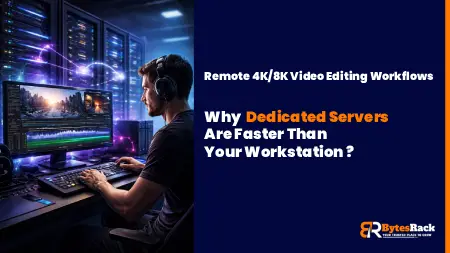
Why Low Latency Dedicated Servers Are Faster Than Your Workstation
Discover why professional studios are moving 4K/8K video editing to low-latency dedicated servers in 2026 to bypass hardware bottlenecks and thermal throttling.

The Rise of AI-Powered DDoS in 2026
AI-powered DDoS attacks are evolving faster than legacy firewalls can adapt. Discover why standard hosting is failing in 2026 and how enterprise-grade, unmetered DDoS dedicated servers can keep your infrastructure online.

Why Your Server Location Matters: The Singapore Advantage for APAC Speed and SEO
Need to serve the APAC region? A Singapore server location provides the lowest latency. Learn how proximity boosts your site speed, Core Web Vitals, and SEO rankings.

Why MCP Servers Belong on Dedicated Hardware?
Discover why Model Context Protocol (MCP) nodes require dedicated hardware to avoid the 2-second Cold Start bottleneck of serverless functions.
Docmost Instead of Notion:How to Cut Your Costs by 90% in 2026
Stop renting your data. Discover why companies switch to self-hosted Docmost and Outline Wiki on BytesRack dedicated servers to save 90% and regain privacy..
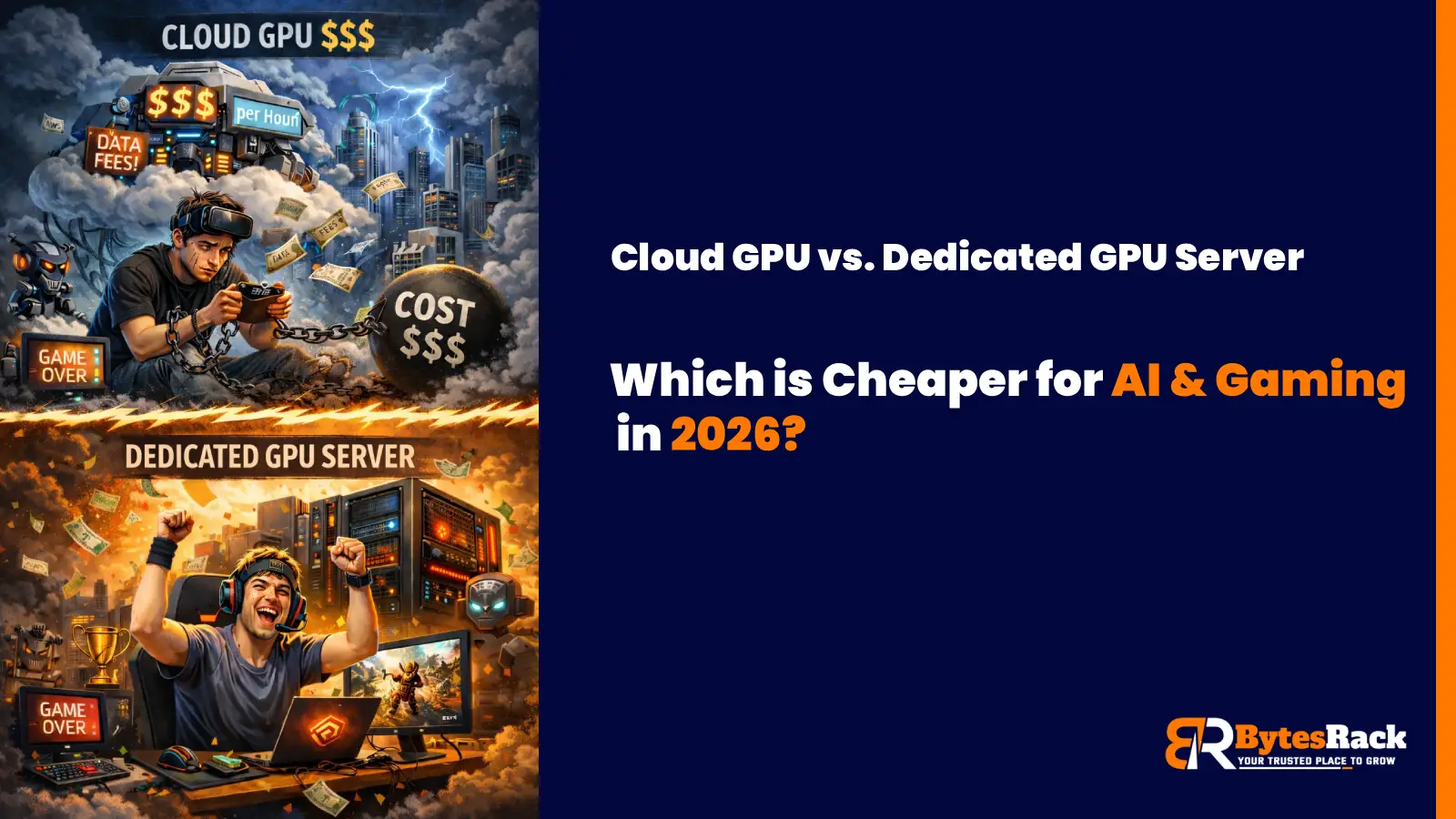
Cloud GPU vs. Dedicated GPU Server
In 2026, the smart move for AI startups and high-performance gaming communities isn't the Cloud; it's Dedicated GPU Servers.

Power Your Business with a Toronto Dedicated Server
Learn how Toronto's unique submarine cable gives our dedicated servers a speed advantage for serving Canada and the US.
The Miami Advantage:Why Your Dedicated Server Belongs at the Gateway to the Americas
Discover why a Miami dedicated server is your secret weapon. Get unrivaled low latency to Latin America & the US. Unlock strategic growth today.

Why Your Business Needs a Tokyo Dedicated Server from BytesRack
This guide will explore why Tokyo is the undisputed strategic hub for APAC and how BytesRack's dedicated servers provide the power, performance, and reliability you need to dominate the market.
Gain the Ultimate Edge: The Power of a New York Dedicated Server
Discover why New York offers the ultimate hosting advantage. Unrivaled connectivity to US & European markets

Why Germany Is the Best Location for Your Next Dedicated Server?
Discover why Germany offers the best hosting. GDPR compliance, ultra-low latency via DE-CIX Frankfurt, and enterprise-grade reliability.

Which Web Hosting Control Panel Should You Use?cPanel or Plesk
In this blog, we’ll break down the differences between cPanel and Plesk, helping you decide which control panel suits your hosting environment and technical needs best.

How to Restore SQL Server Databases Using SSMS
Learn how to restore MSSQL databases using SQL Server Management Studio (SSMS) with expert tips and best practices.

The Ultimate Guide to Dedicated Servers for Streaming - 2025
Boost performance, reduce buffering, and scale with confidence. These expert tips help you optimize your dedicated streaming server for speed, security, and seamless viewer experience.