
 Media Stream Solutions
 Gaming Solutions
 E-Commerce Solutions
 VPN Server Solutions
 GPU Server Solutions
 Financial Solutions
 Security Solutions
Picking a GPU for a standard chatbot is straightforward. Picking one for an AI agent is not.
Chatbots answer once and stop. Agents loop. They plan, call a tool, read the result, and plan again—sometimes a dozen times before finishing a single task. Every loop eats further into your available VRAM. The moment you run out, the process doesn't just slow down; it crashes with an out-of-memory (OOM) error.
Cloud API pricing makes this dynamic expensive. Continuous agent loops mean continuous billable API calls, and costs climb rapidly once an agent runs 24/7. Moving your workloads to a dedicated GPU server fixes the cost problem—but only if you size the hardware correctly. Get it wrong, and you're either bottlenecked on a card that's too small or overpaying for hardware headroom you'll never use.
This guide breaks down the exact math needed to calculate your local LLM GPU requirements, what quantization actually buys you, why the KV cache is the variable most engineers forget, and which GPUs make sense for dedicated server agent workloads in 2026.
Why AI Agents Demand More GPU Power Than Standard LLMs
A standard LLM chat deployment uses a single forward pass: prompt in, response out, done. Memory usage is highly predictable because the interaction is short and bounded.
An agent is fundamentally different. It runs a reasoning loop (think, act, observe, repeat), and each pass through that loop adds to the context the model must carry. Multi-agent frameworks like AutoGen or CrewAI compound this further. They often require loading multiple models simultaneously or parsing massive, structured JSON outputs to feed into the next step.
The practical result: an agent's context window grows continuously during a task. That growing context is stored in VRAM as KV (Key-Value) cache, making it the single most underestimated metric in AI agent hardware sizing.
VRAM Is the Non-Negotiable Constraint
With traditional dedicated servers, CPU cores and system RAM dictate performance. With AI workloads, the paradigm shifts entirely to the GPU. The model must fit inside the GPU's Video RAM (VRAM) in full, or it simply will not run. No amount of CPU power or system RAM can compensate for a model that doesn't fit on the PCIe card.
Base Model Weights
A simple rule of thumb for full-precision (16-bit) model weights is:
1 billion parameters ≈ 2 GB of VRAM
Therefore, an unquantized 70B parameter model requires roughly 140GB of VRAM just to hold the weights in memory — before you've served a single agent request.
The Impact of Quantization
Quantization compresses model weights to a lower precision, trading a negligible amount of accuracy for a massive reduction in memory footprint. If you are hosting a local LLM, quantization is what makes it economically viable. Common formats include:
- GGUF: Widely used for CPU/GPU hybrid inference and llama.cpp-based deployments.
- AWQ: Activation-aware quantization, offering strong accuracy retention at 4-bit precision.
- EXL2: Variable-bitrate quantization popular in ExLlama-based high-speed inference stacks.
Here is the rough VRAM footprint by quantization level (model weights only, excluding KV cache):
| Model Size | FP16 (16-bit) | 8-bit | 4-bit |
|---|---|---|---|
| 8B | ~16GB | ~8GB | ~4-5GB |
| 32B | ~64GB | ~32GB | ~16-18GB |
| 70B | ~140GB | ~70GB | ~35-40GB |
A 4-bit quantized 70B model fitting into roughly 35-40GB is the breakthrough that makes a single high-VRAM consumer or workstation card a realistic option, bypassing the need for an expensive multi-GPU cluster.
The Formula: Calculating Total VRAM
To avoid OOM errors, you must calculate your maximum VRAM ceiling before renting a server. The baseline calculation for sizing your GPU is:
- Model Weights: The compressed size of your model (e.g., ~38GB for a 70B 4-bit model).
- KV Cache: Every token an agent processes (the prompt, tool calls, observations) is cached as key-value pairs so the model doesn't recompute it. For long tool-use chains, KV cache can rival the size of the model itself.
- Overhead: Covers the CUDA runtime, the inference engine's process memory (like vLLM or llama.cpp), and a safety buffer. Always budget 10-15% of your total VRAM as overhead. Never target 100% utilization in production.
LLM VRAM Estimator
Interactive calculator for AI Agent workloads
Worked Example: Coding Agent (70B Model)
- Model: 70B parameters at 4-bit quantization = ~38GB
- Context: 32K context window (for reading multi-file codebases). Budget an additional 8-12GB for KV cache depending on the framework.
- Overhead: 10-15% of the running total.
- Total: 55-65GB.
Conclusion: This workload rules out a single 48GB card and points toward either a single 80GB card (A100) or two consumer GPUs utilizing tensor parallelism.
Consumer vs. Enterprise vs. Datacenter GPUs
Not every workload needs a massive AI cluster. Matching the GPU tier to the actual workload is where you unlock major cost savings on a dedicated server.
1. Consumer Grade: RTX 4090 / RTX 5090
- RTX 4090: 24GB VRAM. Offers an incredible cost-to-performance ratio for smaller agent workloads.
- RTX 5090 (2026): 32GB GDDR7 VRAM. A meaningful step up in memory capacity and bandwidth over the 4090.
- Caveats: Neither card supports NVLink. Multi-GPU setups rely heavily on PCIe bandwidth. Blower-style cooling and strict datacenter licensing terms can complicate dense rack deployments.
2. Enterprise & Edge: L40S, RTX 6000 Ada, RTX PRO 6000
- L40S / RTX 6000 Ada: 48GB VRAM. Single-slot friendly, lower power draw, and fully supported by enterprise drivers.
- RTX PRO 6000 Blackwell: 96GB VRAM. The current heavyweight in the workstation tier. Large enough to run a quantized 70B model with a massive context window entirely on a single card.
- Caveats: Higher upfront cost than consumer hardware, but significantly better VRAM-per-slot density, making them ideal for rack-mounted bare metal servers.
3. Heavyweight Datacenter: A100, H100, H200
- A100: Available in 40GB or 80GB variants. Proven memory bandwidth for stable inference.
- H100: 80GB VRAM. Built specifically for sustained 24/7 inference at scale, featuring advanced transformer engines.
- H200: 141GB HBM3e VRAM. The largest single-card memory pool available. Necessary when the KV cache from hundreds of concurrent agent sessions pushes past what an H100 can hold.
- Caveats: Extreme pricing. These are overkill for a single internal coding agent, but mandatory for high-concurrency SaaS applications.
Scaling Up: When One GPU Isn't Enough
If your calculated VRAM requirement exceeds a single card, you must use Tensor Parallelism. This involves splitting the model's neural network layers across multiple GPUs so their combined VRAM acts as a single, unified pool.
For multi-GPU setups on dedicated servers, the motherboard and PCIe lane configuration matter just as much as the GPU. Tensor parallelism moves massive amounts of data between GPUs constantly during inference. A server running multiple RTX 4090s on limited x8 PCIe lanes instead of dedicated x16 lanes will severely bottleneck the model's tokens-per-second, wasting your hardware investment.
Beyond the GPU: Don't Bottleneck the Server
VRAM sizing gets the spotlight, but a poorly matched bare-metal server will still cripple an AI agent.
- System RAM: Provision 1.5x to 2x your total VRAM in system RAM. This prevents total system crashes during model loading and provides a safety net if you offload inference layers to the CPU via
llama.cpp. - Storage: Always use Gen4 or Gen5 NVMe SSDs. A 40GB model that takes seconds to load into VRAM from an NVMe drive can take minutes on standard SATA storage — creating unacceptable downtime if an agent process needs to restart.
- CPU: While the GPU handles inference, prompt processing, tokenization, and vector database lookups (for RAG agents) are CPU-bound tasks. A dual-socket server or a high-core-count AMD EPYC processor ensures your RAG pipeline doesn't stall while waiting for the GPU.
Real-World GPU Recommendations for AI Agents
Based on 2026 hardware benchmarks, here are three standard deployment profiles:
- The Solo Coding Agent (8B–14B models): A single RTX 4090 or RTX 6000 Ada handles this tier comfortably, leaving generous KV cache headroom for reading multiple code files.
- Multi-Agent RAG System (32B–70B models + Vector DB): Dual RTX 4090s/5090s (utilizing tensor parallelism) or a single L40S / RTX PRO 6000 Blackwell to avoid multi-GPU networking complexities entirely.
- Enterprise High-Concurrency Agent (100B+ models): A multi-GPU H100 cluster, or an H200-based server where accommodating per-session KV cache across hundreds of users is the primary bottleneck.
Take your AI infrastructure to the next level
Stop worrying about OOM errors and variable cloud API costs. Deploy your agentic workloads on hardware you control.
At BytesRack, we provide enterprise-grade bare metal infrastructure perfect for intensive AI workloads. Explore our high-performance dedicated servers today.
View GPU dedicated ServersFAQ: GPU Sizing for AI Agents
-
How much VRAM do I need for a 70B parameter model?
-
Does the RTX 4090 or 5090 support NVLink for multi-GPU setups?
-
What is the difference between sizing for a chatbot and an AI agent?
-
Is a dedicated GPU server cheaper than API-based agent hosting?
-
Can I run a 70B agent model on a single 48GB GPU?
Recent Topics for you

Why Your Custom CDN Origin Belongs on Bare Metal (And How to Escape Cloud Egress Fees)
Discover why moving your custom CDN origin to bare metal eliminates cloud egress fees, boosts NVMe I/O performance, and prevents unpredictable billing.

GPU vs CPU Dedicated Servers for AI Inference: Which Do You Actually Need?
Discover whether your AI inference workloads need a GPU or CPU dedicated server. Compare VRAM, TTFT, costs, and performance for 8B to 70B+ LLMs.

The GPU Sizing Guide for AI Agent Workloads on Dedicated Servers
Learn how to calculate exact GPU VRAM requirements for AI agents. Understand quantization, KV cache sizing, and choose the right dedicated server.

Why Los Angeles is the Ultimate Server Location for Cross-Pacific Gaming
Discover why Los Angeles dedicated servers provide unmatched transpacific low latency for gaming. Bridge US and APAC players with Tier-1 routing.

The London Advantage: Why UK Dedicated Servers are Vital
Discover why London dedicated servers are essential for global finance and tech. Explore ultra-low latency, UK GDPR compliance, and Tier-1 network benefits.

Ransomware Defense in 2026
Prevent ransomware in 2026 with isolated dedicated servers. Learn why bare-metal and immutable backups beat cloud storage for enterprise data security.

The Rise of Geo-Targeted Dedicated Servers for IoT
Explore why global enterprises are shifting to geo-targeted dedicated servers to eliminate latency, ensure data sovereignty, and power real-time industrial processing

Why Massive E-Commerce Stores Need Dedicated Servers
Find out why massive e-commerce stores need dedicated servers to scale. BytesRack explains how bare-metal stops downtime, cuts cloud fees, and boosts speed.
Why Low Latency Dedicated Servers Are Faster Than Your Workstation
Discover why professional studios are moving 4K/8K video editing to low-latency dedicated servers in 2026 to bypass hardware bottlenecks and thermal throttling.

The Rise of AI-Powered DDoS in 2026
AI-powered DDoS attacks are evolving faster than legacy firewalls can adapt. Discover why standard hosting is failing in 2026 and how enterprise-grade, unmetered DDoS dedicated servers can keep your infrastructure online.

Why Your Server Location Matters: The Singapore Advantage for APAC Speed and SEO
Need to serve the APAC region? A Singapore server location provides the lowest latency. Learn how proximity boosts your site speed, Core Web Vitals, and SEO rankings.

Why MCP Servers Belong on Dedicated Hardware?
Discover why Model Context Protocol (MCP) nodes require dedicated hardware to avoid the 2-second Cold Start bottleneck of serverless functions.

Docmost Instead of Notion:How to Cut Your Costs by 90% in 2026
Stop renting your data. Discover why companies switch to self-hosted Docmost and Outline Wiki on BytesRack dedicated servers to save 90% and regain privacy..
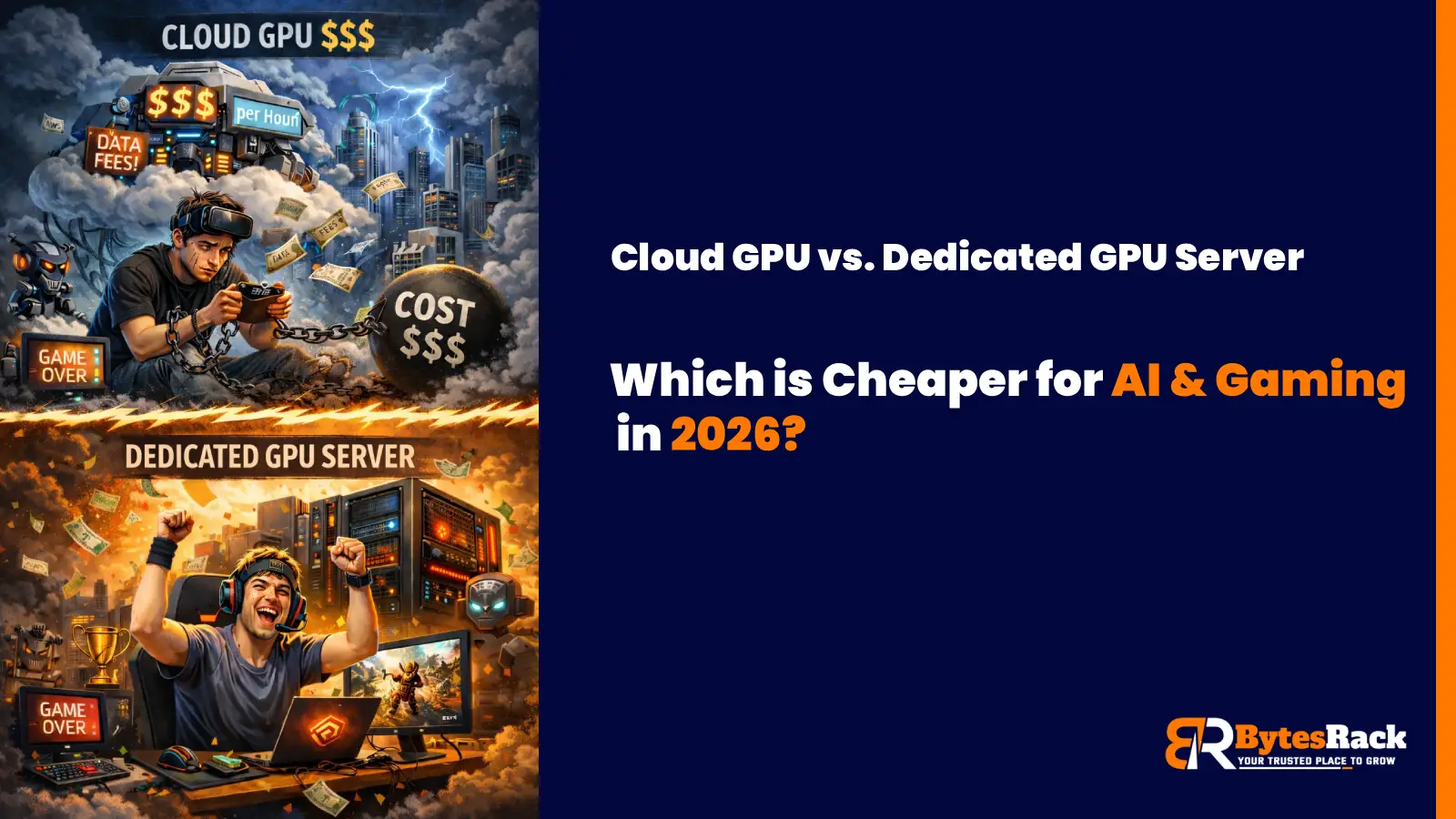
Cloud GPU vs. Dedicated GPU Server
In 2026, the smart move for AI startups and high-performance gaming communities isn't the Cloud; it's Dedicated GPU Servers.

Power Your Business with a Toronto Dedicated Server
Learn how Toronto's unique submarine cable gives our dedicated servers a speed advantage for serving Canada and the US.
The Miami Advantage:Why Your Dedicated Server Belongs at the Gateway to the Americas
Discover why a Miami dedicated server is your secret weapon. Get unrivaled low latency to Latin America & the US. Unlock strategic growth today.

Why Your Business Needs a Tokyo Dedicated Server from BytesRack
This guide will explore why Tokyo is the undisputed strategic hub for APAC and how BytesRack's dedicated servers provide the power, performance, and reliability you need to dominate the market.

Gain the Ultimate Edge: The Power of a New York Dedicated Server
Discover why New York offers the ultimate hosting advantage. Unrivaled connectivity to US & European markets

Why Germany Is the Best Location for Your Next Dedicated Server?
Discover why Germany offers the best hosting. GDPR compliance, ultra-low latency via DE-CIX Frankfurt, and enterprise-grade reliability.

Which Web Hosting Control Panel Should You Use?cPanel or Plesk
In this blog, we’ll break down the differences between cPanel and Plesk, helping you decide which control panel suits your hosting environment and technical needs best.

How to Restore SQL Server Databases Using SSMS
Learn how to restore MSSQL databases using SQL Server Management Studio (SSMS) with expert tips and best practices.

The Ultimate Guide to Dedicated Servers for Streaming - 2025
Boost performance, reduce buffering, and scale with confidence. These expert tips help you optimize your dedicated streaming server for speed, security, and seamless viewer experience.